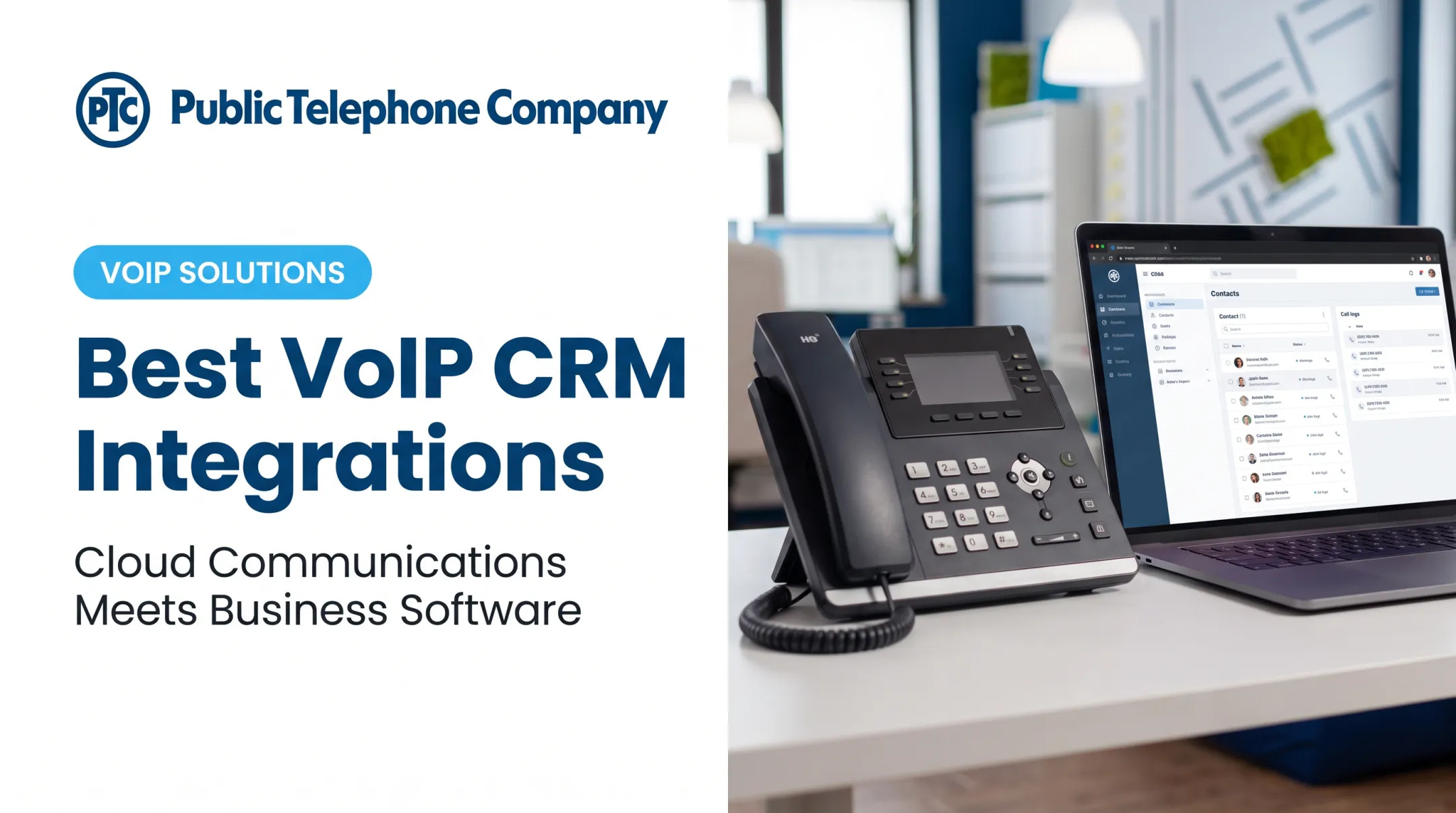
The best VoIP system integrations solve that problem by connecting business calling with the tools employees already use every day. Done right, integrations improve call handling, give agents customer context before they even pick up, and keep workflows consistent across teams and locations.
This guide covers five integration categories that matter most for US businesses: CRM, help desk, collaboration, messaging, and analytics. The right combination depends on your existing software, data requirements, security needs, and available technical support, not on how many apps a vendor advertises.
Key Takeaways
- CRM integrations come first for sales, service, and healthcare teams that need call context on contact records.
- Help desk, collaboration, messaging, and analytics tools pull VoIP into the same daily workflow stack.
- Native, API, middleware, and custom connections differ in setup effort and long-term maintenance cost.
- Judge integrations by sync direction, security, and reliability—not feature-count claims.
- Public Telephone Company pairs cloud-hosted VoIP with custom integration support when stock connectors fall short.
Overview of VoIP System Integrations in the US Business Market
A VoIP system integration connects an internet-based phone system to another business application, so call data, contact records, or actions flow between the two without manual re-entry. Businesses typically build these connections one of four ways:
- Native integrations — built and maintained by the VoIP or software vendor, usually the easiest to turn on
- API-based connections — independently developed code that links platforms using REST calls, webhooks, and authentication
- Middleware tools — automation platforms such as Zapier that bridge two systems when no native option exists
- Custom integrations — purpose-built for specialized workflows that off-the-shelf connectors can't handle US businesses most often connect VoIP to CRM platforms, support ticketing, email and calendars, team chat, SMS, call analytics, transcription, and workflow automation. The US Chamber of Commerce notes that most small-business phone systems now offer prebuilt integrations for email and contacts. CRM and help desk integration depth still varies widely by vendor. One-way versus two-way sync shapes how useful those connections become day to day. A one-way integration might push call logs into your CRM but won't reflect contact updates made there. A two-way integration keeps both systems current, so a phone number change in your CRM shows up on the next inbound call. The strongest choice is the integration that reliably connects the systems behind your most important communication workflows.

Best VoIP System Integrations for US Businesses
Before comparing specific integrations, weigh them against a consistent set of criteria:
- Business impact on the workflows your team relies on most
- Breadth of use cases across departments
- Workflow automation potential
- Data visibility and reporting value
- Compatibility with your existing business software
- Implementation complexity and ongoing maintenance
- Security posture and scalability as you grow
CRM Integrations
A CRM-VoIP integration typically enables:
- Click-to-call and caller ID matched to contact records
- Screen pops with account history
- Automatic call logging, recordings, and voicemail access
- Follow-up task creation
Sales and service teams get fewer manual dials, more context before the call connects, and fewer repeat questions from customers who've already explained their issue.
HubSpot offers a strong example. Its Calls API lets calls be logged and associated with contacts or companies, and it exposes an hs_call_disposition field that captures outcomes like "connected" or "left voicemail" directly on the timeline.
HubSpot also supports external call recordings and transcripts on the contact record when recording is enabled in calling settings.
Salesforce markets telephony as natively built into Service Cloud, with preintegrated options through Amazon Connect and AppExchange partners. Before committing, confirm with your chosen telephony partner whether the connection supports true two-way sync, disposition fields, and recording controls, since native integration depth varies by partner.
Help Desk and Customer Support Integrations
Linking VoIP with help desk software attaches calls, voicemails, transcripts, and follow-up actions directly to support tickets, so nothing gets lost between the phone call and the case file.
Useful capabilities include:
- Automatic ticket creation on inbound calls
- Screen pops showing the caller's open tickets
- Click-to-call directly from a ticket
- Missed-call tasks for follow-up
- Queue visibility and escalation workflows
Zendesk's Talk Partner Edition can create a ticket, call record, and voice comment in a single API request when a call comes in, with recording links attached. Freshdesk's integration with Zoom Phone supports click-to-dial, mute controls, call recording, and automatic call history logging on the ticket.
Before rolling this out, verify data retention settings, permission levels, recording disclosures, and whether the integration handles outbound callbacks as smoothly as inbound support calls.
Email, Calendar, and Collaboration Integrations
Connecting VoIP with email, calendars, and team chat platforms lets employees click to call directly from a message or contact card, and schedule meetings from a communication thread. Presence indicators and shared contact data help hybrid and multi-location teams stay coordinated without constant status check-ins.
Google Voice is built for Google Workspace, with native Calendar and Meet integration plus eDiscovery for calls, voicemail, and texts. Microsoft Teams connects to the phone network through Operator Connect, where a certified operator manages PSTN infrastructure while the customer administers users inside Teams.
That last point matters: Operator Connect is a certified third-party connection, not a fully native Microsoft telephony service. Always distinguish genuine native functionality from a third-party connector layered on top, since support and reliability expectations differ.

SMS, Business Messaging, and Omnichannel Integrations
Business texting complements voice calls for appointment reminders, follow-ups, and quick status updates, especially when messages and calls stay tied to the same contact or ticket record.
Before recommending a messaging integration, confirm:
- Opt-in requirements — most marketing texts require prior express written consent under FCC telemarketing rules
- Opt-out handling — revocation requests like "STOP" must be honored within 10 business days
- Message retention — policies vary by provider; there's no single federal retention standard
- Number ownership and shared inbox permissions — especially important for teams sharing a business line
- A2P 10DLC registration — required for application-originated texts sent from US numbers to US recipients
CTIA's voluntary messaging principles reinforce opt-in consent and clear sender identity, though CTIA is explicit that these are best practices, not legal requirements. Check with your provider before launching any texting workflow tied to customer records.
Analytics, Recording, Transcription, and Automation Integrations
Call analytics integrations combine telephony data with CRM, help desk, or revenue data to surface call volume trends, response patterns, and workflow bottlenecks that live in no single system on its own.
A documented example: University Hospitals used Invoca's call analytics platform connected through a Salesforce Marketing Cloud integration. The result was a 50% reduction in total call duration and a 300% increase in call conversion rates, with appointment scheduling jumping from 10% to 68% of callers.
That's a vendor-reported case study, not a universal benchmark, but it shows what happens when call data actually talks to CRM data.
Recording and transcription add value, but consent laws vary by state. California requires all-party consent for confidential communications, while federal law and states like Florida generally require only one party's consent.
Healthcare organizations should also confirm HIPAA Security Rule obligations for their communication technology before storing recordings tied to patient interactions.
How to Choose the Best VoIP Integrations
Start with your workflows, not an app marketplace. Then map the work that actually moves the needle:
- Call journeys that matter most to your business
- Spots where employees re-enter information manually
- Integrations that remove that friction first
Compare Connection Types
| Type | Setup Effort | Maintenance | Flexibility | Typical Cost |
|---|---|---|---|---|
| Native | Low | Vendor-managed | Limited to vendor's build | Often included |
| API | Moderate-High | Your team or a developer | High | Development time/cost |
| Middleware | Low-Moderate | Shared with platform | Moderate | Subscription fee |
| Custom | High | Ongoing internal or vendor support | Highest | Project-based |
Evaluate Technical and Security Fit
Ask specific questions before sharing customer or call data:
- Does it sync two ways, or one-way only?
- What authentication method does it use, and does it support current OAuth standards?
- Are there API rate limits that could throttle high call volumes?
- What happens on sync failure: is there an alert, or does data silently drop?
- What security controls exist (role-based access, encryption, audit logs, recording consent)?
- What's the data retention policy, and does it meet your industry's compliance needs?
Confirm Implementation Support
Ask providers how they handle setup, testing, employee training, troubleshooting, and updates after go-live.
Public Telephone Company is one example of a provider that pairs cloud-hosted VoIP, SIP trunking, PBX, and UCaaS with custom integration services for CRM and other business apps. Confirm application compatibility with any provider before you sign, since supported integrations vary.
Run a Controlled Rollout
Don't flip the switch company-wide on day one:
- Test representative inbound and outbound calls
- Verify contact matching and call logging accuracy
- Check what happens when a sync fails
- Train users on the new workflow before full deployment
- Assign clear ownership for troubleshooting
- Review performance against business metrics after 30 to 60 days

Conclusion
CRM, help desk, collaboration, messaging, and analytics integrations turn a VoIP system from an isolated phone line into a connected communications platform. The right combination depends on your existing software, customer workflows, data governance needs, and available technical resources.
If your business needs a scalable cloud-hosted phone system with the flexibility to add CRM, help desk, or custom application integrations as you grow, Public Telephone Company can help. It offers VoIP, SIP trunking, PBX, and UCaaS services built with that scalability in mind, serving organizations from small offices to 100,000-plus users.
Frequently Asked Questions
What are the best integrations for a VoIP phone system?
CRM, help desk, collaboration, messaging, and analytics integrations top the list. A sales-heavy team should start with CRM; a support-heavy team may prioritize help desk connections.
What does a VoIP system integrate with?
Common connections include CRMs, ticketing platforms, email and calendars, team chat and video tools, SMS services, and call analytics platforms. Availability varies by VoIP provider and by the specific business application version.
How do I integrate my VoIP phone system with a CRM?
Start with a native integration if your provider offers one for your CRM. If not, use an API or middleware tool, map call fields to CRM records, then test calls and train users before full rollout.
What is the difference between a native VoIP integration and an API integration?
Native integrations are prebuilt and maintained by the vendor, making them easier to activate but limited to supported connections. API integrations offer more flexibility but usually require technical setup and ongoing maintenance.
Are VoIP integrations secure?
Security depends on the provider, connection method, permission settings, encryption standards, recording controls, and retention policies. No integration is automatically secure just because it's labeled "native."
Can an existing PBX or SIP trunk be integrated with business applications?
Compatibility varies by system and application. SIP trunking, gateways, APIs, or custom integration work can often connect existing telephony infrastructure to CRM, help desk, or analytics platforms.