Introduction
A customer calls your main line looking for billing help. Instead of getting bounced between three extensions, they're connected straight to a billing rep who's actually free. No manual transfers. No guessing.
That's Automatic Call Distribution (ACD) at work.
ACD is the technology that decides where an inbound call goes: which department, which queue, and which agent is free, based on rules you set in advance. It sits inside most modern business phone systems and shows up in shorter waits, more balanced agent workloads, and fewer frustrated callers.
This article covers how ACD works, how it differs from IVR, common routing methods, the business benefits, and what to evaluate before you choose a system.
Key Takeaways
- ACD routes each inbound call to the right agent, department, or queue using availability, skills, priority, and business hours.
- IVR collects caller input; ACD turns that input into the actual call destination.
- Configured ACD cuts unnecessary transfers, keeps queues organized, and balances agent workloads.
- Choose ACD design around call volume, staffing, integrations, and your current phone infrastructure.
What Is Automatic Call Distribution?
Automatic Call Distribution refers to both the system (an Automatic Call Distributor) and the function it performs: automatically handling and routing inbound calls without an operator transferring each one.
ACD exists to solve problems that get worse as call volume grows:
- Manual transfers that eat up time and create errors
- Inconsistent routing where similar calls land in different places
- Overloaded agents while others sit idle
- Unclear queues that leave callers unsure of their place in line
- Callers reaching employees who can't actually help them
ACD isn't the same as basic call forwarding. Forwarding sends a call from one fixed point to another. ACD applies configurable logic first: agent availability, required skills, queue conditions, time of day, or caller priority. Only then does it decide where the call lands.
You'll find ACD in places where missed or misrouted calls hurt the business:
- Contact centers and multi-location firms
- Healthcare and dental front offices
- Law and insurance practices
- Government departments and property-management firms
It usually ships as a feature inside a cloud contact-center platform, hosted PBX, UCaaS system, or broader business phone solution. Depth varies by provider: simple round-robin on one end, full skills-based routing on the other.

How Does Automatic Call Distribution Work?
ACD follows a repeatable sequence every time a call comes in:
- Caller reaches the business number. The system identifies available context immediately.
- IVR or another input gathers intent — a menu selection, spoken request, or account lookup.
- The call enters the relevant queue based on that intent.
- Routing rules evaluate destinations — checking skills, availability, and priority.
- The call is delivered to an appropriate agent or department, or held if none are ready.
What information does the system use?
What the system can use depends on its integrations. Common data points include:
- Caller ID and Automatic Number Identification (ANI)
- The number dialed
- Account details pulled from a CRM
- Language preference
- Customer history
- Information entered through an IVR menu
Cisco's contact center documentation notes that systems can profile a caller using the dialed number and calling line ID, then select the right agent using real-time skills, availability, and current queue length — as detailed in Cisco's Unified Intelligent Contact Management documentation.
What happens when every agent is busy?
Nobody wants to sit on hold with zero information. Good queue design includes:
- Queue position and estimated wait messaging
- Priority rules for urgent or VIP callers
- Voicemail as a fallback
- Overflow destinations (another queue, department, or location)
- Callback options so customers don't have to stay on the line
Prioritization needs to stay fair and understandable. Callers who sense the queue is arbitrary or confusing tend to abandon faster.
Why agent status has to stay accurate
The ACD constantly checks agent status: available, busy, away, on break, offline, scheduled, or occupied with another interaction. If that status data is inaccurate, calls get routed to agents who can't actually take them — a failed transfer that frustrates everyone involved.
Cisco's call-handling guidance makes the same point: after a Ring No Answer, move the agent to "Not Ready" instead of logging them out. That stops the system from repeatedly sending calls to someone who just missed one.
Data your reports should actually tell you
Every call generates data: volume, wait time, abandonment, transfers, talk time, routing outcomes, and agent activity. Use those metrics to refine staffing and routing rules, not as isolated scorecards. A spike in abandonment during one hour usually points to a staffing gap, not one agent's performance.

ACD Routing Methods and Essential Features
Different routing methods solve different problems. These are the most common options and when each one fits.
| Routing Method | Best For |
|---|---|
| Round-robin / circular | Even distribution among similarly skilled agents |
| Longest-idle / least-occupied | Balancing workload, reducing avoidable idle time |
| Skills-based | Matching customers with agents who have specific product knowledge, language ability, or certification |
| Priority-based | Urgent issues, service-level commitments, VIP customers |
| Time-of-day / availability-based / overflow | Business hours, shifts, holidays, after-hours coverage |
| Simultaneous ring | Small teams where several phones ring at once |
Per Genesys's routing and evaluation methods guide, skills-based routing sends each call to the next available agent with the required skills. That can mean the longest-idle qualified agent, or a weighted choice when several agents qualify on proficiency.
Simultaneous ring still works well for small teams. It does raise the risk of duplicate answering, so call-control rules need to account for that.
Features that actually support routing decisions
Not every feature matters equally. Separate must-haves from nice-to-haves by the problem each one solves:
Must-have:
- Configurable queues — without them, priority and overflow rules have nothing to attach to
- IVR integration — gathers the intent that routing rules act on
- Caller ID and account lookup — prevents agents from starting blind
- Basic reporting — without data, you're guessing at staffing needs
Often worth adding:
- Automatic callback — reduces hold-time frustration during peak periods
- Call recording and monitoring — supports training and quality review
- Whisper coaching — lets supervisors guide new agents without the caller hearing
- Real-time dashboards — helps supervisors react to queue spikes as they happen
CRM, help-desk, CTI, and workforce-management integrations feed the ACD better context for every routing decision. Public Telephone Company's custom integration services connect those business apps directly to the phone platform, so agents spend less time switching screens and routing rules get more accurate data.

ACD vs. IVR and Related Call Technologies
People use "ACD" and "IVR" interchangeably, but they do different jobs.
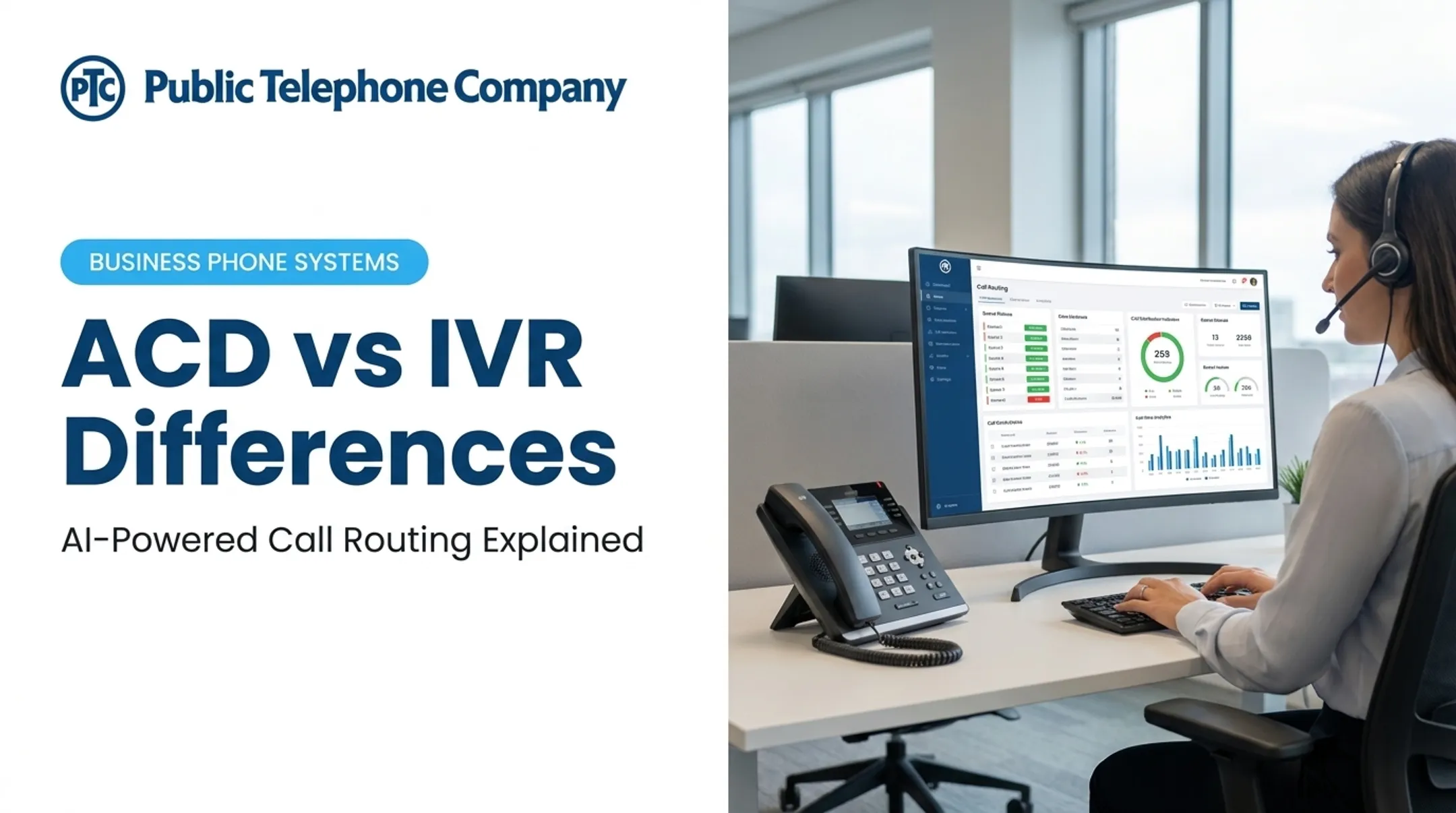
IVR interacts with the caller by playing menus, collecting keypad entries, or interpreting speech prompts. ACD takes what IVR collects and applies distribution logic to connect that caller with the right agent, team, or queue.
TechTarget's breakdown of contact center technology confirms this handoff: once IVR determines the appropriate route, the ACD transfers the caller to the selected agent or department. They work as a pair: IVR gathers, ACD decides.
Public Telephone Company's AI Auto Attendant and IVR functionality is built natively into its cloud-based PBX. Information gathered at the IVR stage feeds directly into call routing, rather than living in a separate bolted-on system.
How ACD differs from similar tools
- Auto attendant / virtual receptionist: Presents menu choices to callers (press 1 for sales) but doesn't apply the deeper routing logic ACD does.
- Call queuing: Holds and organizes waiting calls. It's a component of ACD, not a replacement for it.
- Call forwarding: Redirects a call to another single destination, with no skills, priority, or availability logic involved.
- Auto dialer: Places outbound calls. This is the opposite function of ACD, which handles inbound traffic.
You'll also see the term "automatic contact distribution" in some product materials. This usually describes routing that spans voice and digital channels (chat, email, SMS) rather than voice alone. When evaluating a system, ask directly whether it's voice-only ACD or supports omnichannel routing. The terminology varies by vendor.
Benefits of ACD for Businesses
Routing callers to the right available agent on the first try cuts down on unnecessary transfers and supports faster issue resolution. That's the core benefit, and it shows up across a few areas.
For agents:
- Fewer misdirected calls landing on their desk
- More balanced workloads instead of some agents drowning while others wait
- Clearer responsibility: they know why a call reached them
- More chances to apply specialized knowledge instead of fielding random requests
ACD alone won't guarantee higher productivity or job satisfaction. It's a tool, not a management strategy. But it removes friction that otherwise gets in the way.
For managers: Queue data and routing reports surface patterns that are easy to miss otherwise:
- Peak call periods by hour or day
- Staffing gaps during specific shifts
- Abandoned-call trends tied to wait time
- Underused agents or departments
The real payoff comes when you pair these insights with workforce planning. Adjust shift coverage from actual queue data rather than gut feel.
For growing businesses: Adding agents, departments, locations, or seasonal staff usually means rethinking your phone setup. Cloud-hosted ACD reduces dependence on on-site hardware when the provider's architecture supports it. That matters if you are:
- Expanding remote staff
- Opening new locations
- Adding seasonal agents without buying new phone equipment for each site
For customers: Clearer call paths mean fewer repeated explanations and faster access to someone who can actually help. During after-hours or overflow periods, routing rules often decide whether a call gets handled or dropped to voicemail.
How to Choose and Implement an ACD System
Before comparing vendors, define what your operation needs.
Start with a needs assessment
Map out:
- Inbound call volume and peak periods
- Departments and agent skills involved
- Business hours and after-hours coverage expectations
- Customer priorities (are some calls more urgent than others?)
- Locations and remote staff
- Existing phone equipment
- Where routing currently fails most often
Evaluate technical and commercial requirements
- Cloud versus on-premises deployment
- Internet and network readiness
- Number portability and handset compatibility
- Redundancy and reliability guarantees
- Call-recording controls and regulatory requirements
- Reporting access for the queue and agent metrics you track
- Implementation ownership and ongoing support terms
Check your integration needs
Ask vendors directly whether integrations with your CRM, help desk, scheduling tool, or industry-specific software (like a practice-management system) are native, API-based, partner-supported, or come with extra fees. Unclear integration scope is a common source of delay and surprise cost after go-live.
Plan the call flow before you configure anything
- Map numbers to departments
- Define IVR prompts
- Create queues and assign skills
- Establish priority rules
- Configure business-hour and holiday schedules
- Set overflow destinations
- Determine callback or voicemail behavior

Roll out in stages
Test the call flow, train agents and supervisors, run a pilot group, validate the routing logic against real scenarios, and review queue reports after launch. Skipping the pilot often surfaces only after launch—as misrouted queues, weak overflow handling, or agents unsure when to transfer.
Public Telephone Company helps businesses evaluate ACD as part of a cloud-hosted platform that includes VoIP, PBX, UCaaS, SIP trunking, equipment, custom integrations, and 24/7 technical support. Lake Worth Beach Electric Utilities has run on the company's systems since 2005 with very little downtime. Feature sets vary by deployment, so confirm which ACD, queue, and reporting tools are included for your setup. To review routing, integrations, and support expectations, call 877-314-4080.
Frequently Asked Questions
What does "ACD" mean in a call center?
ACD stands for Automatic Call Distribution, the system or function that routes inbound calls to agents, departments, or queues using rules like availability, skills, priority, and schedules.
What is the difference between ACD and IVR in a contact center?
IVR collects information from callers through prompts or menus. ACD then uses that information, along with other routing rules, to determine the right agent, department, or queue.
How does an ACD system route incoming calls?
The system identifies the caller, gathers intent through IVR or another input, places the call in a queue, evaluates routing rules against agent availability, and connects the call, or offers a callback if no one's free.
What are the most common ACD routing methods?
Round-robin, longest-idle, skills-based, priority-based, time-based, availability-based, and simultaneous ring are the most common. The best fit depends on your team structure and business needs.
What features should businesses look for in an ACD system?
Look for configurable queues, skills-based routing, IVR integration, callback options, CRM or CTI integration, recording, monitoring, reporting, and scalability that matches your growth plans.
Is ACD only useful for large call centers?
No. Smaller businesses can use simpler ACD configurations for department routing, business-hour schedules, and overflow handling. Larger contact centers typically need more advanced skills-based, priority, and analytics capabilities.