Many businesses still rely on a single published phone number to greet callers, answer routine questions, and connect people to the right department. Nearly 70% of Americans use phone support when contacting a business, and 35% prefer it over email, chat, or web forms, according to YouGov's 2025 customer service research. That volume has to go somewhere.
An IVR number is the business phone number connected to that automated system. This guide covers what an IVR number actually is, how callers interact with it, what happens behind the scenes, and where businesses put it to work.
Key Takeaways
- An IVR number ties a business line to an automated voice menu for routing, information, and self-service
- Callers respond with keypad presses, speech, or both, depending on the system
- A typical call moves from greeting to menu, then routing, self-service, queuing, or voicemail
- Cloud-hosted IVR absorbs call volume and scales without heavy on-site hardware
What Is an IVR Number?
An IVR number is a standard business, local, toll-free, virtual, or mobile phone number connected to Interactive Voice Response call-handling logic. "IVR" stands for Interactive Voice Response.
The number itself is just the caller's entry point. The automated menus, routing rules, recordings, and integrations all live in the connected phone system.
The problem IVR solves is simple: callers need a reliable way to reach the right person or complete a routine task without waiting on a receptionist to answer and manually transfer every call. That's the operational gap IVR fills.
What an IVR number is not:
- A special category of phone number (it works with any standard business line)
- A person's direct extension
- An AI voice agent by default (though some IVR systems now include AI features)
IVR vs. Auto-Attendant
These terms get used interchangeably, but they're not identical. An auto-attendant typically focuses on greeting callers and basic routing — think "press 1 for sales, press 2 for support." IVR can do that too, but it also handles more complex self-service: collecting account numbers, checking order status, or completing a transaction.
Types of IVR
The caller experience changes depending on the underlying technology:
- Touch-tone IVR interprets keypad presses through DTMF (dual-tone multi-frequency) signals
- Directed-dialog IVR asks callers to respond to specific spoken prompts from a defined list of options
- Natural-language or AI-enhanced IVR interprets more conversational requests and may pull from customer records or business databases

Even with chat, apps, and self-service websites everywhere, phone lines aren't going away. Some callers need immediate human help, some simply prefer talking over typing, and some need voice access for accessibility reasons. IVR keeps that channel functional at scale.
How Does an IVR Number Work?
An IVR call flow connects a phone call to automated prompts, decision rules, business data, and a final outcome. Here's the sequence from dial tone to resolution.
1. Caller Dials the Number
The process starts when a customer, patient, prospect, or employee dials the business number on a traditional phone network or a VoIP/cloud platform. Depending on the provider and setup, the system may use the caller's number, time of day, or an existing customer record to choose the right call flow. Confirm which of these options your provider actually supports before you design around them.
2. Greeting and Menu Presentation
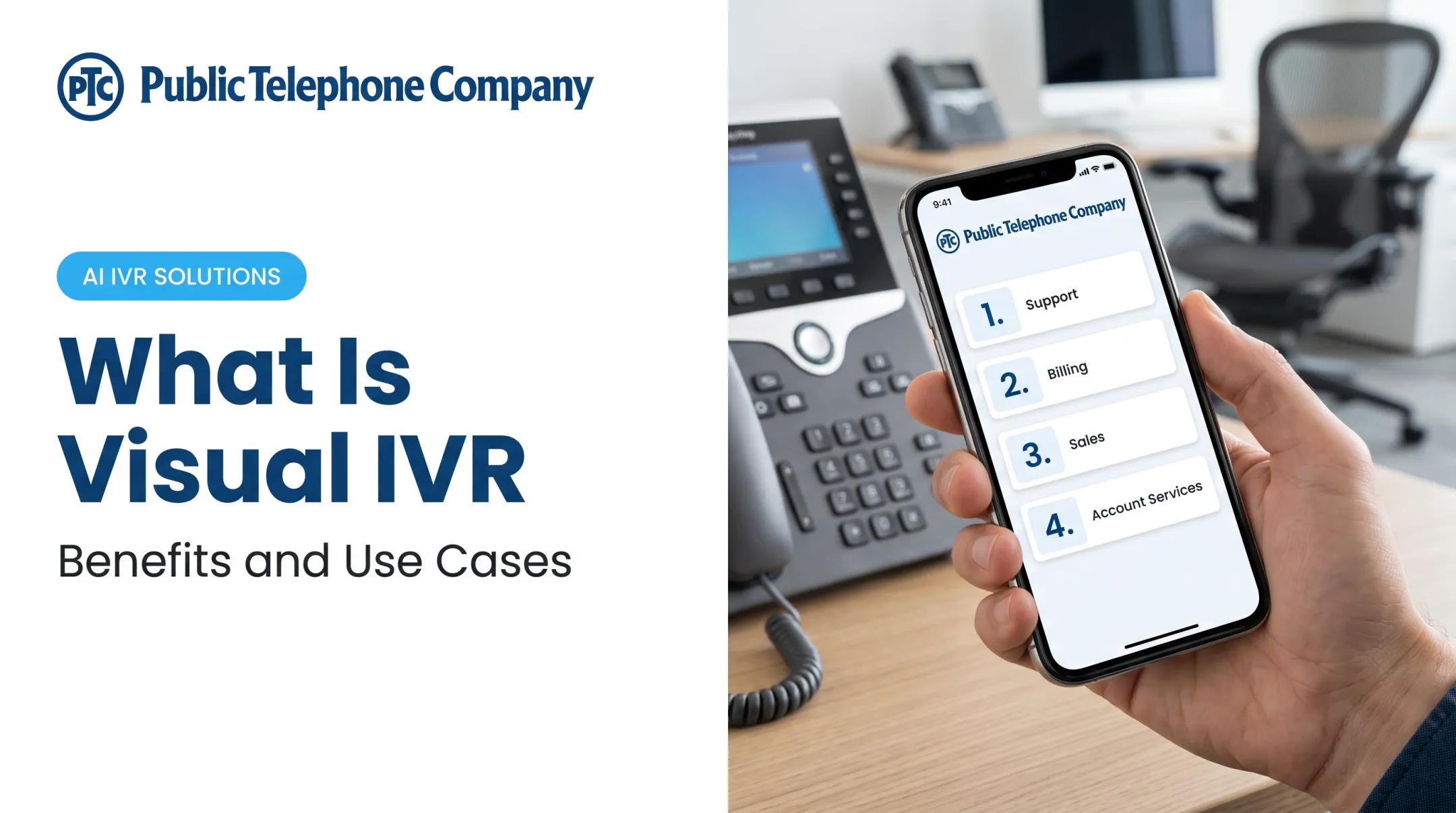
The IVR answers with a recorded or text-to-speech greeting, notes business hours or a language choice, and presents a menu such as sales, billing, technical support, appointments, or account information. A clear prompt names the business, lists choices plainly, and tells callers how to repeat the menu, go back, reach an agent, or leave a message. A basic example: "Press 1 for sales, press 2 for support, or say 'billing.'"
3. Caller Provides Input
Callers respond by pressing a keypad number or speaking, depending on whether the system supports DTMF, speech recognition, or both. The IVR matches that input to a predefined branch in the call flow. When input is incomplete, invalid, or unrecognized, most systems fall back to:
- Repeating the prompt
- Offering keypad entry after speech recognition fails
- Routing to an operator
- Sending the caller to voicemail According to Vonage's 2019 customer research, 61% of 2,010 respondents called reaching an IVR menu a poor experience, and 51% had abandoned a business after a bad IVR interaction. Solid fallback options are what keep a frustrated caller on the line.
4. Routing, Self-Service, or Queueing
Based on the caller's selection and configured rules, the IVR routes the call to a department, extension, skill group, location, or available agent. Some paths stay fully self-service:
- Checking an order or account status
- Accepting a payment
- Scheduling an appointment
- Delivering business hours or a recorded answer Others place the caller in a queue with hold music, a callback offer, or overflow routing to another team. When the IVR connects to a CRM, help desk, or PBX, it can pass agents useful context (account status, prior tickets, order history) before they pick up. Phone-based card payments also trigger PCI DSS requirements, so verify security and data-handling rules before collecting payments in the flow.
5. Result, Monitoring, and Improvement
A call ends in one of several ways: the caller reaches the right person, completes a self-service task, gets a callback, leaves a voicemail, or exits. Most IVR platforms log useful data for review:
- Menu selections and transfer destinations
- Queue time and abandoned calls
- Completion outcomes
- Call volume by time period Judge performance across abandonment rates, failed input attempts, transfer volume, and wait times together, not on a single metric. Retest and update call flows whenever departments, staffing, hours, or products change; an IVR from two years ago rarely matches today's org chart. Platforms that keep automated attendant and IVR inside the same cloud PBX, such as Public Telephone Company's AI Conversation Intelligence tools, make those updates easier because routing, logging, and call handling stay in one system.

Where an IVR Number Is Used
IVR numbers fit any setting where callers need guided access to people, information, or routine services:
- Law and accounting firms — route to reception, billing, or a practice area without a single overloaded front desk
- Medical and dental practices — split scheduling, prescription requests, and urgent calls (within applicable privacy rules)
- Retailers and service companies — share order status, returns info, or basic support without holding live agents
- Municipalities and utilities — deliver hours, payment steps, and outage updates at scale
That last case has hard data behind it. One utility built outage reporting into its IVR and cut related inbound calls by almost 40%, according to McKinsey's analysis of utility IVR systems.
Those same multi-location and high-volume needs are why cloud-hosted IVR is often the practical path. It suits teams replacing aging PBX or landline systems, remote or distributed staff, and anyone who wants flexible routing without a room of on-site gear.
Public Telephone Company provides cloud-hosted business phone systems, PBX, unified communications, and SIP trunking with 24/7 support. That stack gives organizations a scalable place to run IVR and call-routing workflows, from a five-person office up to deployments supporting 100,000+ users.
Conclusion
An IVR number is the public-facing phone number tied to an automated system that listens for caller input and routes the call to information, self-service, a queue, or the right person. Once you understand that flow, evaluate a system on what actually matters:
- Routing flexibility
- Keypad and speech support
- Integrations and reporting
- Fallback options and accessibility
- Ongoing support
IVR works best when it shortens the caller's path rather than replacing human help entirely. A clear, fast route to a live agent for anything complex or urgent should always be part of the design.
Frequently Asked Questions
What is an IVR number?
An IVR number is a business phone line tied to an Interactive Voice Response system. Callers hear automated prompts that route them, share information, or complete simple self-service tasks.
How can I find my IVR number?
Your IVR number is usually the main business line already assigned to the system. Check your provider dashboard, account docs, or billing statement, or ask your administrator.
How do I dial an IVR number?
Dial it like any other business number. After the call connects, follow the prompts by pressing keypad options or speaking if voice input is enabled.