In 2026, the global UCaaS market alone is expected to grow another 6%, following 6.1% growth in 2025, with North America leading that expansion. That shift matters for small businesses because the wrong phone system either locks you into a costly, rigid contract or forces a painful replacement in two years.
This guide breaks down what's actually changing in small business phone systems this year, why it's happening, and what to watch before you sign a contract.
Key Takeaways
- Cloud VoIP and UCaaS are the default path for small businesses as the market grows about 6% in 2026
- Use AI for routing, virtual reception, and automation—but keep humans on accuracy and escalations
- Compare total cost of ownership, not the sticker per-user rate, after hardware, taxes, and add-ons
- Make caller ID trust, robocall mitigation, and emergency-calling compliance non-negotiable
Key Small Business Phone System Trends in 2026
Five shifts define where small business communications are heading this year, from AI reception to regulatory pressure.
AI-Assisted Calling and Virtual Reception
AI has moved well past basic voicemail transcription. Current systems now handle:
- Searchable call summaries with transcripts, action items, and notes
- Intelligent routing that sends calls to the right person or department automatically
- AI receptionists that book appointments, capture leads, and follow up by text
- After-hours inquiry capture for service businesses that can't staff a 24-hour desk
Public Telephone Company builds AI conversation intelligence directly into its cloud-based PBX rather than bolting it on as a separate app. One client, Insurance Hub, reported stronger security controls and simpler day-to-day use than stacking separate tools.
AI reception still has limits. Transcription accuracy varies by accent and language, and some providers treat certain languages as early-access features rather than fully supported ones. Before you rely on an AI receptionist, verify escalation paths, recording consent, and whether AI features are included or billed separately.
Cloud VoIP, Hosted PBX, and Hybrid Communications
The move away from on-premises phone systems continues, but "cloud-only" doesn't mean "mobile-only." Many small businesses still want desk phones, wireless extensions, or existing PBX hardware working alongside their cloud service.
This hybrid approach makes practical sense for:
- Restaurants needing a shared line at the host stand plus mobile access for managers
- Healthcare practices running multi-line reception with wireless handsets throughout the office
- Multi-location businesses connecting several sites through SIP trunking rather than replacing every system at once
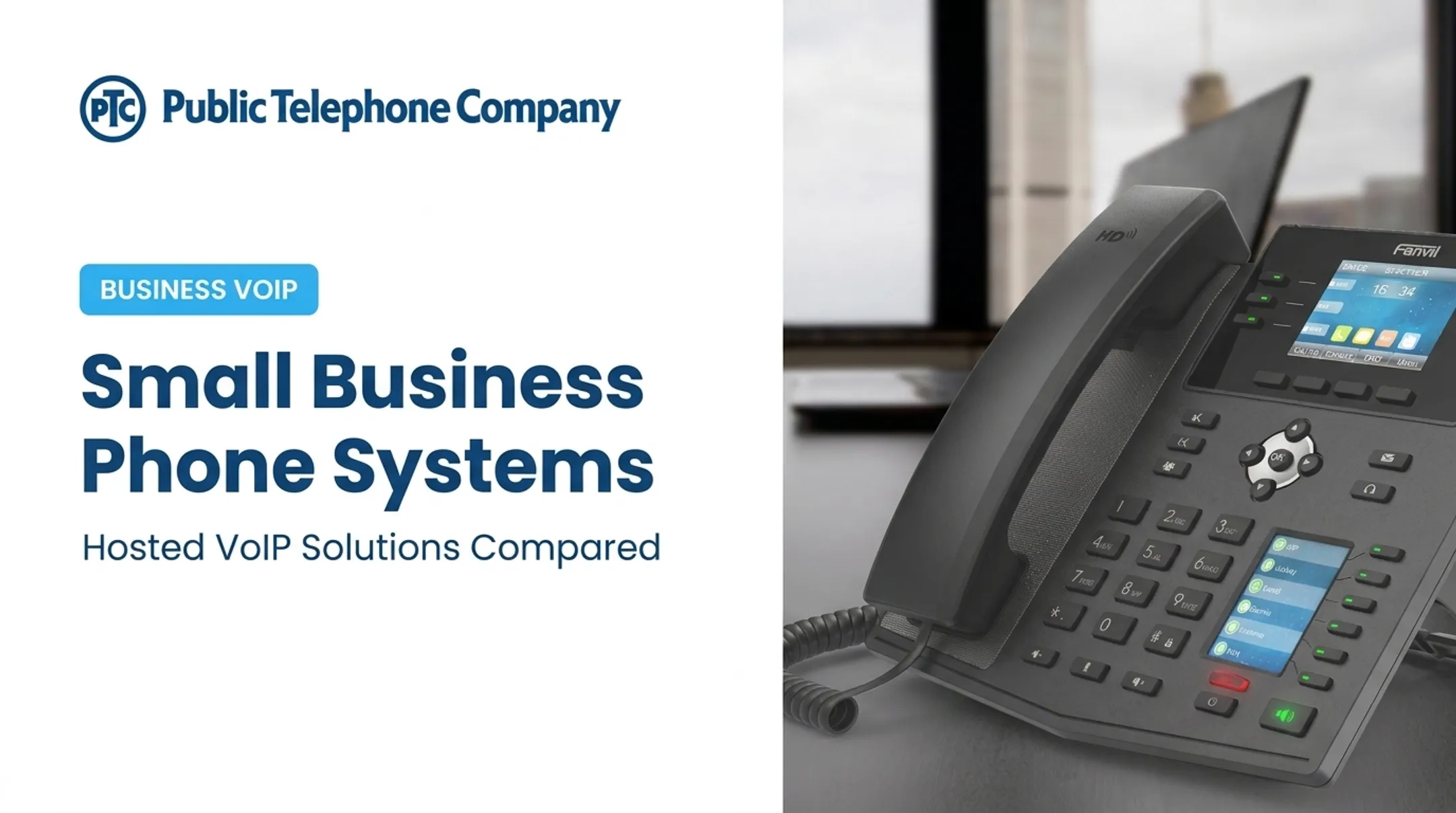
Public Telephone Company's hosted VoIP service runs over a business's existing high-speed internet connection and still includes on-site instruments and wireless extensions for simple installation.
Equipment is bundled with the service rather than sold outright, so you avoid upfront hardware costs—though leased gear must be returned if you cancel.
Unified Communications and Device-Independent Work
Voice, texting, video, and CRM activity now sit in single platforms you can open from a desktop, phone, or desk handset—essential now that remote and hybrid work is the norm.
Gallup reported in November 2025 that 61% of remote-capable employees prefer hybrid work arrangements, with another 33% preferring fully remote setups. Phone systems that only work from a physical desk can't support that workforce.
Small teams maintain coverage across this distributed setup through:
- Shared numbers and ring groups that route calls regardless of who's logged in
- Call forwarding rules tied to business hours
- Call queues that hold customers instead of dropping them during busy periods
Communications Analytics and Workflow Integrations
Phone conversations are becoming data instead of one-off interactions. Call logs, recordings, transcriptions, and caller trends now feed directly into business decisions rather than sitting unused in a voicemail box.
Useful workflows include:
- Automatic CRM logging — every call attaches to the right customer record without manual entry
- Lead routing — inbound calls go straight to the employee best suited to close them
- Voicemail-to-text alerts — staff see missed calls immediately instead of checking a physical phone
- Follow-up triggers — a completed call automatically creates a task for the next step

Before choosing a system, ask these integration questions:
- Is the CRM connection native or built on an API?
- Which specific CRM platforms are supported?
- How does data stay in sync between systems?
- Are there additional fees for integrations, and what permissions apply to shared data?
Public Telephone Company offers custom integration services that connect its VoIP infrastructure to a business's existing CRM and software tools, so teams can keep the CRM and software they already run.
Security, Caller Trust, and Regulatory Readiness
Caller trust has become a compliance issue, not just a technical one. A final FCC rule affecting the Robocall Mitigation Database took effect February 5, 2026, requiring providers to keep their filings accurate and update changes within 10 business days. Providers that fail to comply face forfeitures of up to $10,000.
For small businesses, this translates into practical risk. A poor caller reputation, spoofed number, or exposed voicemail can quietly damage customer trust before you even notice.
What to check with any provider:
- STIR/SHAKEN implementation status
- Current Robocall Mitigation Database filing
- Emergency-calling (911) configuration, including dispatchable location support
- Recording consent and data-retention practices
Public Telephone Company maintains its own interconnected VoIP filings and completed STIR/SHAKEN implementation in June 2026. Ask any provider for the same filings before you sign.
What's Driving These Small Business Phone System Trends
Several forces are pushing small businesses toward cloud-based, AI-enhanced communications. None of these happened overnight.
Key drivers include:
- Technology advances: Faster business internet, mature mobile apps, speech recognition, and generative AI have made cloud phone systems reliable for everyday business use. Continued UCaaS market growth around 6% a year points to real adoption.
- Customer expectations: Buyers want fast responses, texting options, and consistent service whether they call, text, or email. Miss after-hours calls or route poorly, and those leads go to competitors who handle them well.
- Cost pressure: Recurring cloud subscriptions typically skip the large upfront hardware purchases, ongoing maintenance, and long-distance charges tied to legacy PBX systems. Actual savings still depend on usage and contract terms, not only the advertised rate.
- Regulatory pressure: Robocall mitigation rules, caller authentication requirements, and emergency-calling mandates keep getting stricter. Businesses that ignore compliance now risk real financial penalties later.
- Workforce and competition: Remote teams, multi-location operations, and independent telecom agents are pushing providers toward flexible, scalable systems. Rigid, one-size-fits-all phone plans no longer hold up.

How These Trends Are Impacting Small Businesses
Cloud phone trends hit small businesses in three places: day-to-day operations, revenue and growth, and how distributed teams stay reachable.
Operational Impact
Automated routing, shared lines, and analytics change how reception, sales, and after-hours coverage actually work day to day. But implementing these tools requires groundwork:
- Sufficient internet bandwidth and network prioritization for voice traffic
- Backup connectivity in case the primary line goes down
- Clear call-flow design and user permission structures
- Staff training on new tools before go-live
Once that foundation is in place, reliability becomes the real test. Lake Worth Beach Electric Utilities has used Public Telephone Company's services since 2005 and reports very little downtime over that span—a reminder that uptime, not just features, is what keeps a system worth keeping.
Business Impact
Professional numbers, faster callbacks, and CRM-visible call records directly affect customer experience and lead management. CallRail's benchmark data shows that leads contacted within five minutes are dramatically more likely to convert than those contacted later—so routing speed is a revenue lever, not just a convenience feature.
Predictable cloud pricing also helps businesses scale, whether that means adding a remote worker or opening a second location. American Retail Supply Co. reported that integrating its VoIP system with existing infrastructure improved both internal coordination and customer-facing communications. Still, model your full costs carefully. Taxes, add-ons, hardware, and contract commitments can shift the total well beyond the advertised per-user price.

Workforce Impact
Softphones, presence indicators, and mobile access let distributed teams stay reachable without publishing personal cell numbers. Tech Innovators Inc. credited 24/7 support and modern equipment with making a measurable difference in daily operations.
Rolling these tools out still means getting the human side right:
- Clear call-recording policies employees understand
- Human escalation paths for sensitive or complex calls AI shouldn't handle solo
- Reasonable expectations around employee privacy and accessibility
Future Signals for Small Business Phone Systems
The trends above will keep evolving. Here's what to watch over the next one to three years before committing to a long-term system.
- Watch AI move from call summaries toward scheduling appointments, qualifying leads, and handling first-contact calls autonomously. Confirm escalation and audit controls before trusting AI with customer-facing tasks.
- Track FCC proposals that would extend certification to numbering resellers and add non-IP caller-ID authentication rules; neither is finalized yet. Stay current through FCC guidance rather than vendor summaries.
- Look for tighter links between UCaaS, CRM, and contact-center platforms, plus flexible usage-based AI pricing and stronger disaster-recovery options as providers compete for small business contracts.
Conclusion
Small business phone systems in 2026 have moved well past basic voice service. They're now cloud-based communication platforms shaped by AI, mobility, analytics, and tightening security requirements.
Don't adopt every trend at once. Prioritize what your business actually needs:
- Define must-have features before you shop the market
- Test call quality with real staff on real networks
- Verify the provider's compliance documentation
- Calculate full cost of ownership, not just the advertised rate
Choose a system that scales with your users, devices, and locations. That choice saves you a painful replacement down the road.
Frequently Asked Questions
How much does a business VoIP phone cost?
Published 2026 plans typically run about $10–$35 per user monthly for entry-level tiers, with premium plans up to around $75. Your total still depends on usage, hardware, taxes, and add-ons.
What is the best phone service for a small business?
No single option fits every shop. Match cloud VoIP, hosted PBX, UCaaS, or SIP trunking to your team size, call volume, integrations, and growth plans—then compare providers against those needs, not generic reviews.
What is a good voicemail service for a small business?
Look for voicemail-to-email or text, accurate transcription, and shared team mailboxes. It should support business-hours routing and plug into your phone system, not run as a separate app.